Kraken: for straightforward buying and selling
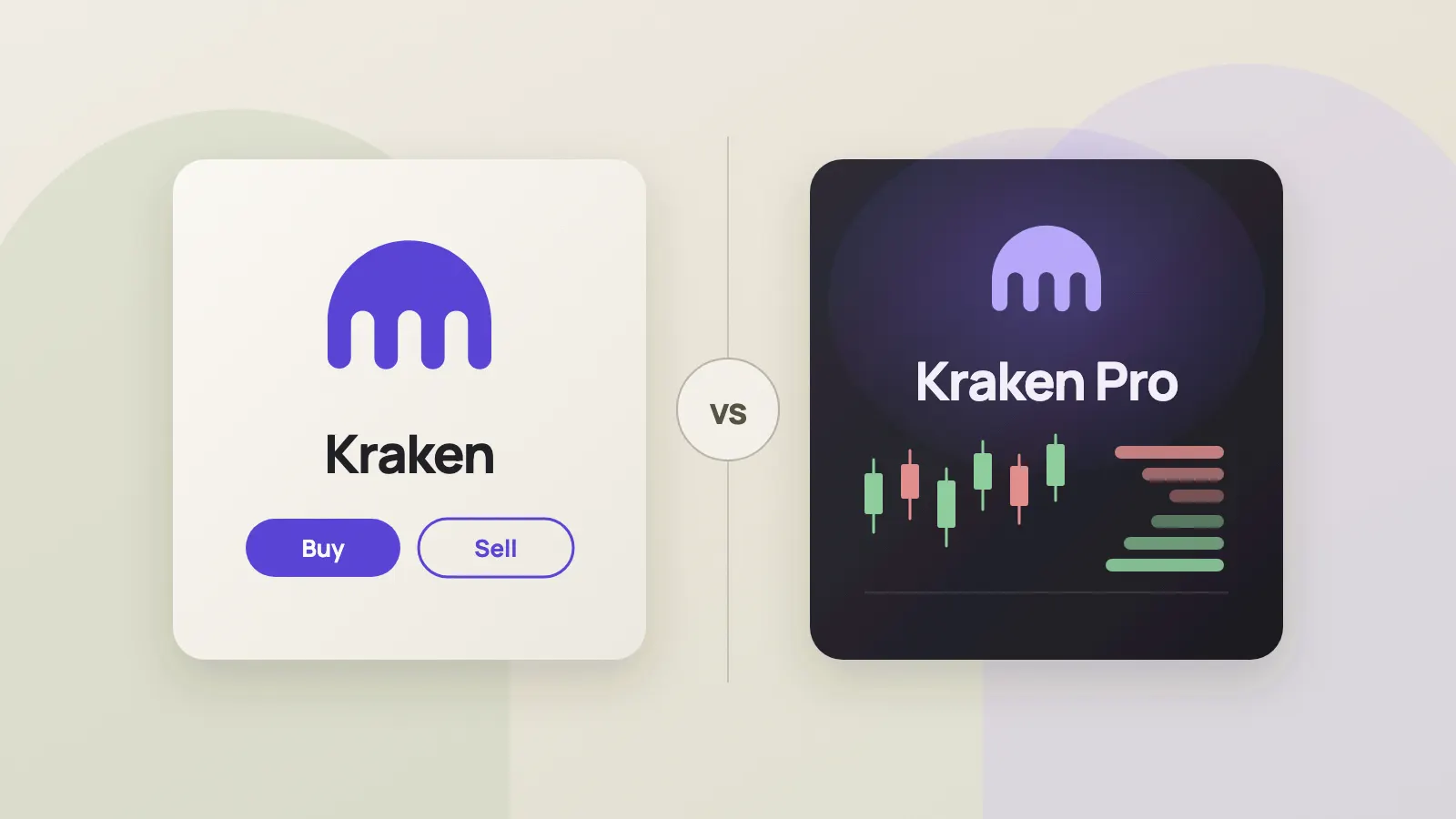
Kraken is designed for people who are new to crypto or trade occasionally and want a simple experience. Its interface focuses on buying, selling, converting, and viewing holdings without requiring users to learn an order book or a complex trading screen first.
The Kraken app also offers price tracking, favorites, and recurring purchases. Stocks, tokenized stocks, and other products may be available in certain markets, depending on location and eligibility. Convenience does not mean a trade is free: review the quote, fees, and final amount before confirming.
Kraken Pro: for more trading control
Kraken Pro is aimed at active traders and people who want to set prices, study markets, and manage orders in more detail. It offers expanded charts, technical indicators, live order books, and trade data, along with market, limit, stop-loss, and take-profit orders.
Eligible users may also have access to margin or futures. Availability depends on the region, account, and product. Leverage can magnify losses; review the fees, liquidation rules, and product risks before using it. Beginners can use Pro too, but should first learn how its order types and trading interface work.
Differences in features
- Experience. Kraken emphasizes quick buying, selling, and conversion. Kraken Pro centers on a trading screen for examining markets and placing orders. The first is more straightforward; the second offers more control but takes more time to learn.
- Market data and orders. Kraken provides basic price charts and portfolio information and supports market, limit, and recurring buy orders. Pro adds advanced charts, an order book, and more order types, such as stop-loss and take-profit orders. A limit order lets you specify an acceptable price, but it may not be filled.
- Products. Both support crypto trading, but the products and pairs available may differ. Margin trading is offered only in Kraken Pro, while futures may be available in either interface to eligible users. Not every feature is available to everyone.
- Fees. Kraken applies the applicable instant transaction fees to instant buys, sells, and conversions. Kraken Pro order-book trades generally use maker/taker pricing, with rates depending on the product and account fee tier. Kraken's fee schedule includes tiers based on trading volume and eligible assets; particular pairs and products may have different rules. Instant quotes may include a spread, and payment methods or other services may carry additional charges. Compare the actual quote and fee breakdown before confirming, rather than a single headline rate.
Do you need two accounts?
Usually not. Kraken says existing customers can use their Kraken username and password to sign in to the Kraken Pro app. The two interfaces offer different experiences, but sharing an account does not automatically unlock every product. Identity verification, location, and product-specific eligibility requirements still apply.
Inviting friends: check the code, link, and offer
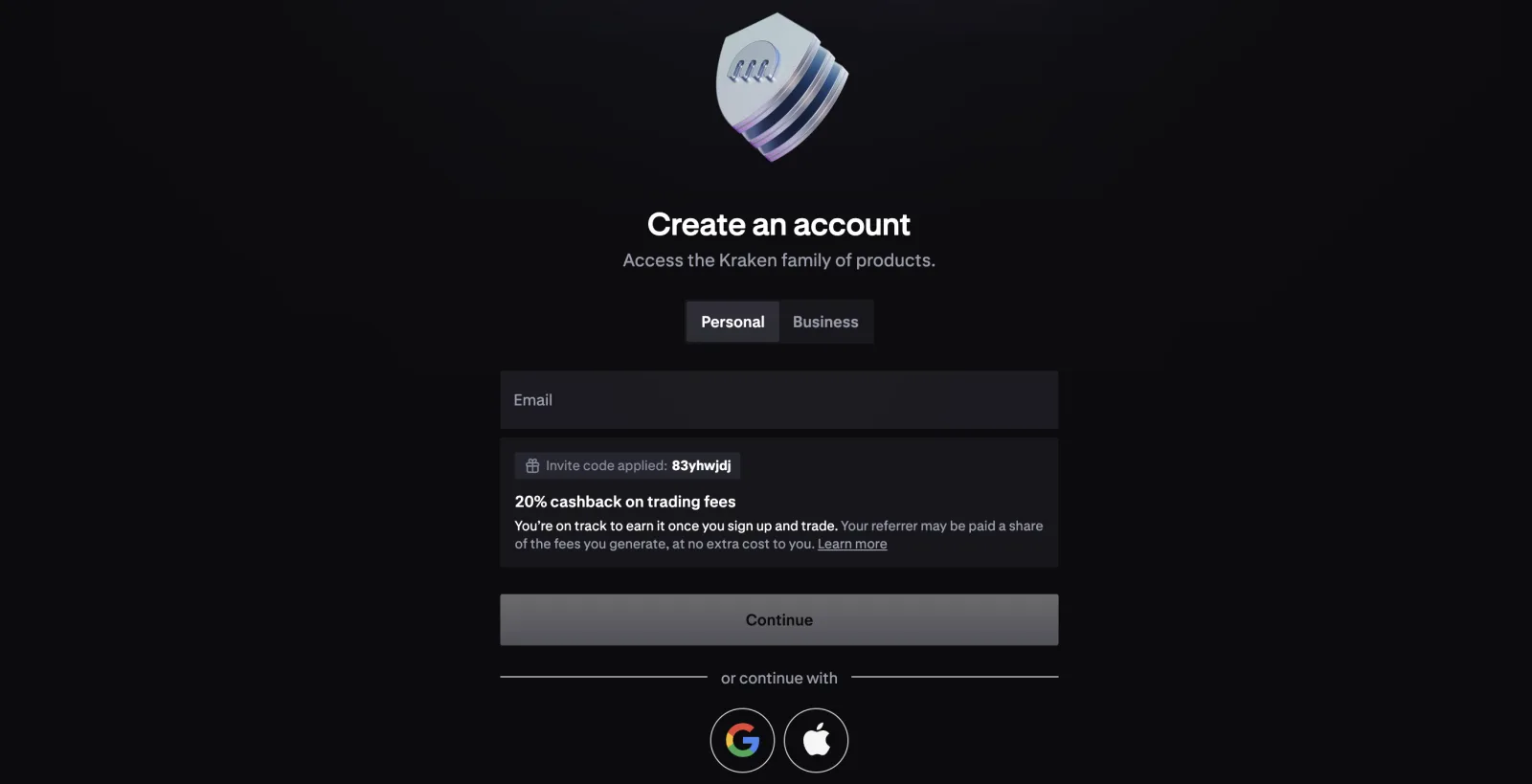
Although Kraken and Kraken Pro share an account, their invitation entry points and offers should be checked separately. Do not assume an invite code or link can be used interchangeably. Before sharing, check the code, link, and terms in the app your friend intends to use.
Kraken's Pro referral guidance says the invited person must be new to Kraken, use the Pro referral link or code, and create a new account through the Kraken Pro app. The new account must be verified, and the invited person must deposit fiat and trade crypto within the deadline shown in the app; debit and credit card deposits do not count. Eligible regions, rewards, and thresholds depend on the offer shown in the app. Follow the relevant offer's instructions when sharing an invitation from the Kraken app as well.
Different Kraken and Kraken Pro referral offers may give the invited user different rewards, including different amounts, forms, and conditions. Check each offer before sharing rather than assuming they match. In particular, Kraken Pro referral rewards are not necessarily always available: an offer may change or end. Check the app for the current offer and terms.
The official material does not establish that the codes in the two apps must always be different, so check and share the information belonging to the relevant offer. Friends who already have a Kraken account do not qualify for a new-user referral offer and should not create duplicate accounts to participate.
Which should you choose?
If you value a simple experience and mainly buy or sell occasionally or set up recurring purchases, Kraken may be a comfortable place to start. If you want to specify prices, inspect the order book, or use more detailed charts and order tools, consider learning Kraken Pro. You can use either interface as appropriate: understand your order, check the quote and fees, and confirm your eligibility before trading.
Features, fees, and regional restrictions can change. Refer to Kraken's current pages and the trade confirmation screen.
Sources
- Kraken vs. Kraken Pro (opens in a new tab)
- Kraken's official mobile apps (opens in a new tab)
- Kraken Pro (opens in a new tab)
- Kraken Pro fee schedule (opens in a new tab)
- Kraken fee overview (opens in a new tab)
- Kraken Pro app referrals (opens in a new tab)
- Kraken app referral program (opens in a new tab)